If you are starting your programming journey, learning a few essential Python commands can make a huge difference. Python is one of the easiest programming languages to learn because its syntax is simple and readable.
Many beginners start with basic commands before moving into more advanced topics like APIs, automation, and data analysis. Understanding these commands helps you write cleaner code and solve real problems faster.
In this guide, you will learn the most important Python commands every beginner should know. Each section includes explanations and practical examples you can test yourself.
If you are completely new to the language, you may also want to read Python for Beginners before continuing.
Why Learning Python Commands Matters
Python commands are the building blocks of every program. They allow you to:
- Display information on the screen
- Store and manipulate data
- Create loops and conditions
- Interact with users
- Automate repetitive tasks
Even experienced developers use these commands daily. Once you master them, learning advanced concepts becomes much easier.
Tip: Practice each command directly in your editor or terminal. Small experiments help you learn faster.
1. print() Command
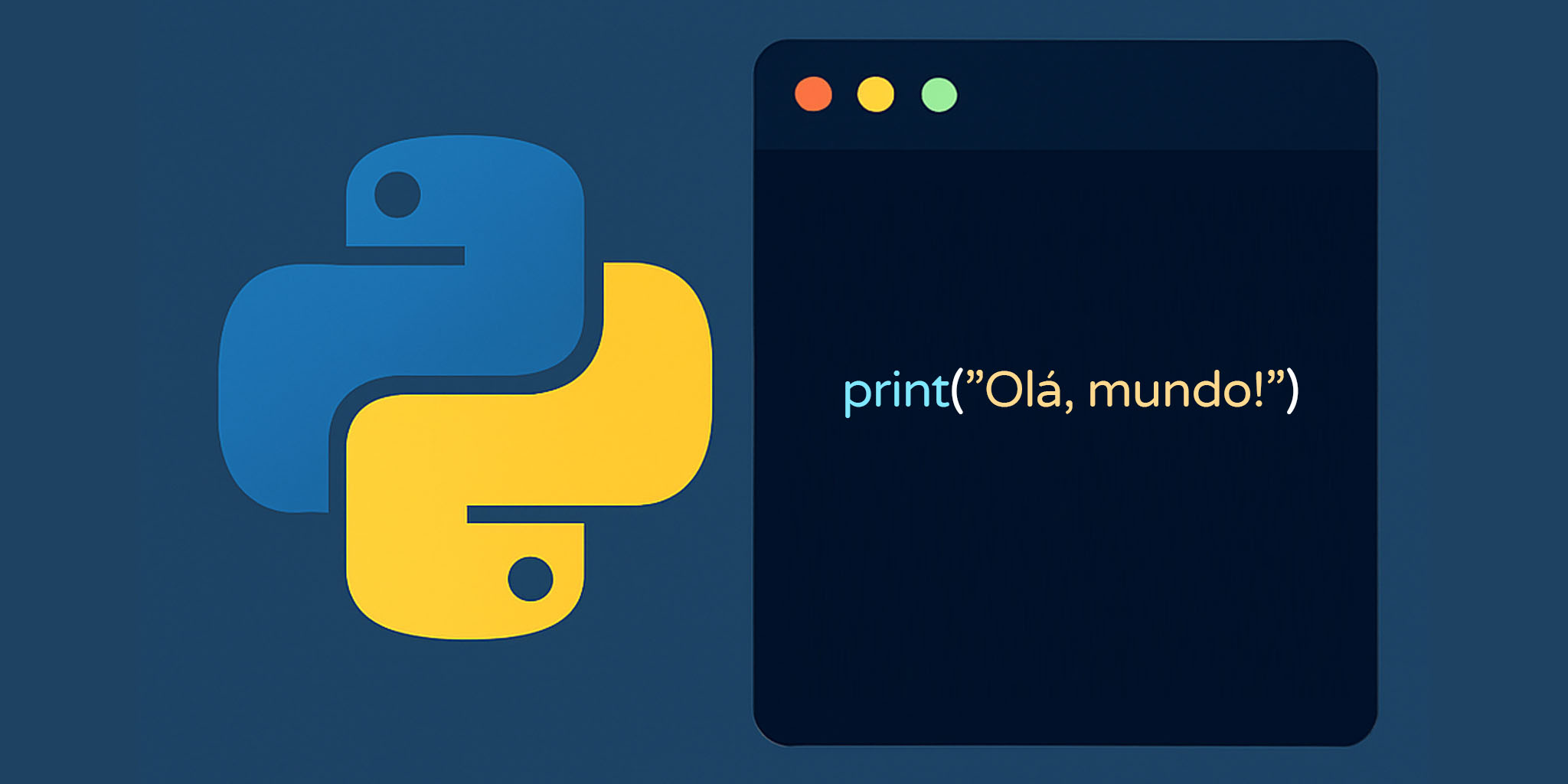
The print() command displays information on the screen. It is usually the first command beginners learn.
print("Hello, World!")Output:
Hello, World!You can also print variables and calculations.
name = "John"
age = 25

print(name)
print(age)
print(age + 5)The print command is extremely useful for debugging and checking values while coding.
Learn more about it in this complete guide about print in Python.
2. input() Command
The input() command allows users to type information into your program.
name = input("What is your name? ")

print("Hello", name)This makes programs interactive and dynamic.
You can use input for:
- Login systems
- Games
- Calculators
- Forms
- Automation scripts
By default, input values are stored as text strings. If you need numbers, convert them using int() or float().
age = int(input("Enter your age: "))

print(age + 1)You can also explore how input works in Python.
3. len() Command
The len() command returns the number of items in an object.
text = "Python"

print(len(text))Output:
6This command works with strings, lists, tuples, dictionaries, and more.
| Object Type | Example | Result |
|---|---|---|
| String | len(“Python”) | 6 |
| List | len([1,2,3]) | 3 |
| Dictionary | len({“a”:1}) | 1 |
Many developers use len() when validating passwords, checking list sizes, or processing files.
4. type() Command
The type() command shows the data type of a variable.
age = 25
price = 19.99
name = "Sarah"

print(type(age))
print(type(price))
print(type(name))Output:
<class 'int'>
<class 'float'>
<class 'str'>
This command helps beginners understand how Python stores information.
Common Python data types include:
- int for integers
- float for decimal numbers
- str for text
- bool for true or false values
- list for collections
You can learn more about data structures in Python data types.
5. int(), float(), and str() Conversion Commands
These commands convert data between types.
number = "10"

converted = int(number)

print(converted + 5)Output:
15Without conversion, Python would treat “10” as text instead of a number.
Examples:
price = float("9.99")
age = str(30)

print(price)
print(age)Type conversion is very important when working with user input.
Important: Trying to convert invalid values can generate errors.
6. if, elif, and else Commands
Conditional commands allow programs to make decisions.
age = 18

if age >= 18:
    print("Adult")
else:
print("Minor")You can also use multiple conditions.
score = 85

if score >= 90:
    print("Excellent")
elif score >= 70:
    print("Good")
else:
print("Needs improvement")Conditionals are used in almost every real-world application.
Examples include:
- User authentication
- Game logic
- Payment systems
- Form validation
- Automation scripts
Read more in this guide about if statements in Python.
7. for Loop Command
The for loop repeats code multiple times.
for number in range(5):
print(number)Output:
0
1
2
3
4
Loops save time and reduce repetitive code.
Common uses include:
- Reading files
- Processing lists
- Automation tasks
- Creating reports
- Game mechanics
The range() function is often used with loops.
for i in range(1, 6):
print(i)You can learn more in this article about for loops.
8. while Loop Command
The while loop runs while a condition remains true.
count = 0

while count < 5:
    print(count)
count += 1While loops are useful when you do not know exactly how many repetitions are needed.
Examples:
- Menus
- Login systems
- Games
- Monitoring scripts
- Data collection
Be careful with infinite loops. Always update the condition correctly.
Learn more about while loops in Python.
9. import Command
The import command allows you to use Python libraries and modules.
import math

print(math.sqrt(25))Output:
5.0Python includes many built-in modules that help developers work faster.
| Module | Purpose |
|---|---|
| math | Mathematical functions |
| random | Random numbers |
| datetime | Date and time handling |
| os | Operating system tools |
You can also install external libraries using pip.
pip install requestsThe official Python documentation contains hundreds of modules.
10. def Command
The def command creates functions.
def greet():
    print("Hello!")

greet()Functions organize code into reusable blocks.
You can also pass parameters.
def greet(name):
    print("Hello", name)

greet("Maria")Functions make programs cleaner and easier to maintain.
Most large Python applications rely heavily on functions.
Learn more in this complete guide about Python functions.
Common Mistakes Beginners Make
New programmers often make similar mistakes when learning commands.
- Forgetting parentheses in functions
- Using incorrect indentation
- Mixing strings and numbers
- Creating infinite loops
- Misspelling variable names
Python is strict about indentation. Even small spacing mistakes can cause errors.
The PEP 8 style guide explains official Python formatting standards.
Tip: Error messages are helpful. Read them carefully instead of ignoring them.
How to Practice Python Commands Effectively
Reading alone is not enough. Practice is essential.
Try these methods:
- Build small projects daily
- Modify code examples
- Create simple games
- Solve beginner exercises
- Automate small tasks
Good beginner projects include:
- Calculator
- Password generator
- Quiz game
- To-do list
- File organizer
You can also explore Python exercises for beginners.
Conclusion
Learning these essential Python commands gives you a strong foundation for programming. Commands like print(), input(), loops, conditionals, and functions appear in almost every Python project.
Do not try to memorize everything immediately. Focus on understanding how each command works and practice consistently.
As your skills improve, you will naturally combine these commands to create larger and more useful applications.
Python is beginner-friendly, powerful, and widely used in automation, web development, data science, and artificial intelligence. Mastering these basic commands is your first step toward becoming a confident developer.
Perguntas Frequentes (FAQ)
1. What are Python commands?
Python commands are instructions that tell Python what to do.
2. Which Python command should beginners learn first?
Most beginners start with the print() command.
3. What does input() do in Python?
It allows users to type information into a program.
4. Why are loops important in Python?
Loops repeat code automatically and save time.
5. What is the purpose of functions?
Functions organize reusable blocks of code.
6. What does len() return?
It returns the number of items in an object.
7. Can Python commands create real applications?
Yes. Python is used for websites, automation, AI, and more.
8. What causes most beginner Python errors?
Indentation mistakes and wrong data types are very common.
9. Is Python good for beginners?
Yes. Python has simple syntax and a large community.
10. How can I practice Python commands?
Build small projects and solve coding exercises regularly.