Python recursion is a technique in which a function calls itself to solve a smaller version of the same problem. It can make some algorithms elegant and easy to understand, especially when the data has a naturally nested structure such as folders, trees, or mathematical definitions.
Recursion is also easy to misuse. A missing base case can create an endless chain of calls, and a correct recursive solution may still exceed Python’s recursion limit. This guide explains the call stack, base cases, factorial, Fibonacci, nested data, directory traversal, memoization, and when an ordinary loop is a better choice.
You should already understand Python functions, return statements, and exceptions.
What Is Recursion?
A recursive function has two essential parts:
- A base case that stops the recursion.
- A recursive case that reduces the problem and calls the function again.
def countdown(number: int) -> None:
    if number <= 0:
        print("Go!")
        return

    print(number)
    countdown(number - 1)


countdown(3)
The output is 3, 2, 1, and Go. Every call receives a smaller number, so it eventually reaches the base case.
The official Python functions tutorial explains function calls and returns. Python’s sys recursion documentation describes the interpreter limit.
How the Call Stack Works
Each function call creates a stack frame containing local variables and the point where execution should continue. In a recursive function, several frames may exist at the same time.
def show_depth(depth: int) -> None:
    print(f"Entering depth {depth}")

    if depth == 0:
        print("Base case")
    else:
        show_depth(depth - 1)

    print(f"Leaving depth {depth}")


show_depth(2)
The function first enters depths 2, 1, and 0. Then the calls return in reverse order. This last-in, first-out behavior is why recursive output sometimes seems backward.
Factorial with Recursion
The factorial of a non-negative integer is defined as:
0! = 1n! = n × (n - 1)!
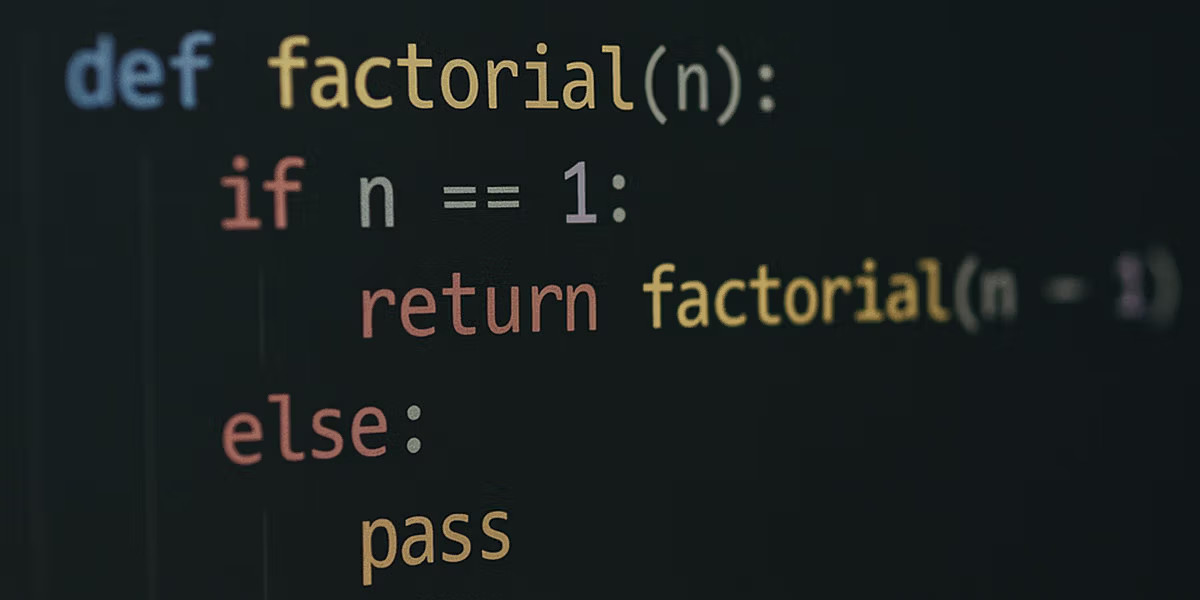
def factorial(number: int) -> int:
    if number < 0:
        raise ValueError("factorial is not defined for negative numbers")

    if number in (0, 1):
        return 1

    return number * factorial(number - 1)


print(factorial(5))  # 120
The base case returns 1. The recursive case multiplies the current number by the factorial of the next smaller number.
Factorial with a Loop
Recursion is not automatically the best solution. The same calculation can be written iteratively:
def factorial_iterative(number: int) -> int:
    if number < 0:
        raise ValueError("factorial is not defined for negative numbers")

    result = 1
    for value in range(2, number + 1):
        result *= value

    return result
The loop version avoids recursive stack frames and is usually the practical choice for factorial. The Python loops guide explains for and while.
The Classic Fibonacci Problem
The Fibonacci sequence is often used to demonstrate recursion:
def fibonacci(number: int) -> int:
    if number < 0:
        raise ValueError("number must be non-negative")

    if number < 2:
        return number

    return fibonacci(number - 1) + fibonacci(number - 2)
This code is mathematically clear but inefficient. It repeats the same calculations many times. For example, fibonacci(5) calculates fibonacci(3) more than once.
Improve Recursion with Memoization
Memoization stores completed results:
from functools import lru_cache


@lru_cache(maxsize=None)
def fibonacci(number: int) -> int:
    if number < 0:
        raise ValueError("number must be non-negative")

    if number < 2:
        return number

    return fibonacci(number - 1) + fibonacci(number - 2)


print(fibonacci(40))
The cache changes the problem from repeated exponential work into a much more practical calculation. Read the lru_cache guide for cache behavior and limitations.
Recursive Sum of a List
def recursive_sum(numbers: list[int]) -> int:
    if not numbers:
        return 0

    return numbers[0] + recursive_sum(numbers[1:])


print(recursive_sum([4, 7, 2]))  # 13
This example is educational, but slicing creates a new list on each call. An indexed version avoids repeated copies:
def recursive_sum(numbers: list[int], index: int = 0) -> int:
    if index == len(numbers):
        return 0

    return numbers[index] + recursive_sum(numbers, index + 1)
For ordinary summation, Python’s built-in sum() is still clearer.
Process Nested Lists
Recursion becomes valuable when the nesting depth is unknown:
def flatten(values: list) -> list:
    result = []

    for value in values:
        if isinstance(value, list):
            result.extend(flatten(value))
        else:
            result.append(value)

    return result


nested = [1, [2, [3, 4]], 5]
print(flatten(nested))
The function handles lists nested at any depth. A fixed set of loops would not adapt as naturally.
Walk Through a Tree
Trees are recursive structures because each node may contain child nodes:
tree = {
    "name": "root",
    "children": [
        {"name": "docs", "children": []},
        {
            "name": "src",
            "children": [
                {"name": "app.py", "children": []},
                {"name": "utils.py", "children": []},
            ],
        },
    ],
}


def print_tree(node: dict, level: int = 0) -> None:
    print("  " * level + node["name"])

    for child in node.get("children", []):
        print_tree(child, level + 1)


print_tree(tree)
Dictionaries and lists work together to represent the hierarchy. Review Python data types when nested structures feel confusing.
Traverse Directories Recursively
from pathlib import Path


def list_files(folder: Path) -> None:
    for item in folder.iterdir():
        if item.is_dir():
            list_files(item)
        else:
            print(item)


list_files(Path("project"))
For production code, pathlib already provides recursive tools such as rglob():
for file_path in Path("project").rglob("*"):
    if file_path.is_file():
        print(file_path)
The pathlib guide covers safe path handling.
Binary Search with Recursion
def binary_search(
    values: list[int],
    target: int,
    left: int = 0,
    right: int | None = None,
) -> int:
    if right is None:
        right = len(values) - 1

    if left > right:
        return -1

    middle = (left + right) // 2

    if values[middle] == target:
        return middle

    if target < values[middle]:
        return binary_search(values, target, left, middle - 1)

    return binary_search(values, target, middle + 1, right)


numbers = [2, 4, 7, 10, 13, 18]
print(binary_search(numbers, 13))
The input must already be sorted. Each call discards half of the remaining search range.
RecursionError and the Recursion Limit
If calls continue too deeply, Python raises RecursionError:
def never_stops():
    return never_stops()


# never_stops()
You can inspect the current limit:
import sys

print(sys.getrecursionlimit())
Changing the limit with sys.setrecursionlimit() is rarely the correct first solution. A very high value can risk crashing the interpreter. Prefer fixing the base case, reducing depth, or converting the algorithm to an iterative version.
The RecursionError guide explains common causes and repairs.
Tail Recursion in Python
Some languages optimize a recursive call that is the final operation in a function. Python does not perform general tail-call optimization. A tail-recursive function still consumes a new stack frame for every call.
def factorial_tail(number: int, result: int = 1) -> int:
    if number <= 1:
        return result

    return factorial_tail(number - 1, result * number)
This looks compact but does not remove Python’s recursion depth limitation. A loop is better for deeply repeated arithmetic.
When Recursion Is a Good Choice
- The data is naturally recursive, such as trees or nested folders.
- Each call clearly reduces the problem.
- The maximum depth is known and reasonably small.
- The recursive version is easier to verify than an iterative alternative.
- Backtracking is required, such as maze solving or combinations.
When to Prefer a Loop
- The task is simple repetition.
- The number of steps may be very large.
- Memory usage and stack depth matter.
- The recursive solution repeats work.
- A built-in function already solves the problem clearly.
Test Recursive Functions
Test the base case first, then typical inputs, invalid inputs, and values near expected limits:
def test_factorial():
    assert factorial(0) == 1
    assert factorial(1) == 1
    assert factorial(5) == 120
The Pytest guide explains assertions and exception tests.
Common Mistakes
- Forgetting the base case.
- Writing a base case that can never be reached.
- Calling the function with the same input instead of a smaller problem.
- Using recursion for a simple loop.
- Repeating expensive calculations without memoization.
- Changing the recursion limit without understanding the stack cost.
- Ignoring invalid or negative inputs.
Frequently Asked Questions
Is recursion faster than a loop?
Not generally. Python function calls have overhead, and recursive calls use stack frames. Choose recursion for clarity and structure, not assumed speed.
What is the base case?
It is the condition that returns without making another recursive call.
Can every recursive algorithm be iterative?
In principle, recursion can be replaced with an explicit stack or loop, although the iterative solution may be more complex.
Why does Python limit recursion?
The limit protects the interpreter and underlying C stack from uncontrolled call depth.
Conclusion
Python recursion works best when a problem can be expressed as smaller versions of itself and has a clear stopping condition. Trees, nested collections, folder structures, and backtracking problems are natural examples.
Always identify the base case, confirm that every call moves toward it, and consider stack depth. When repetition is linear or potentially very deep, a loop or explicit stack is usually safer and easier to maintain.