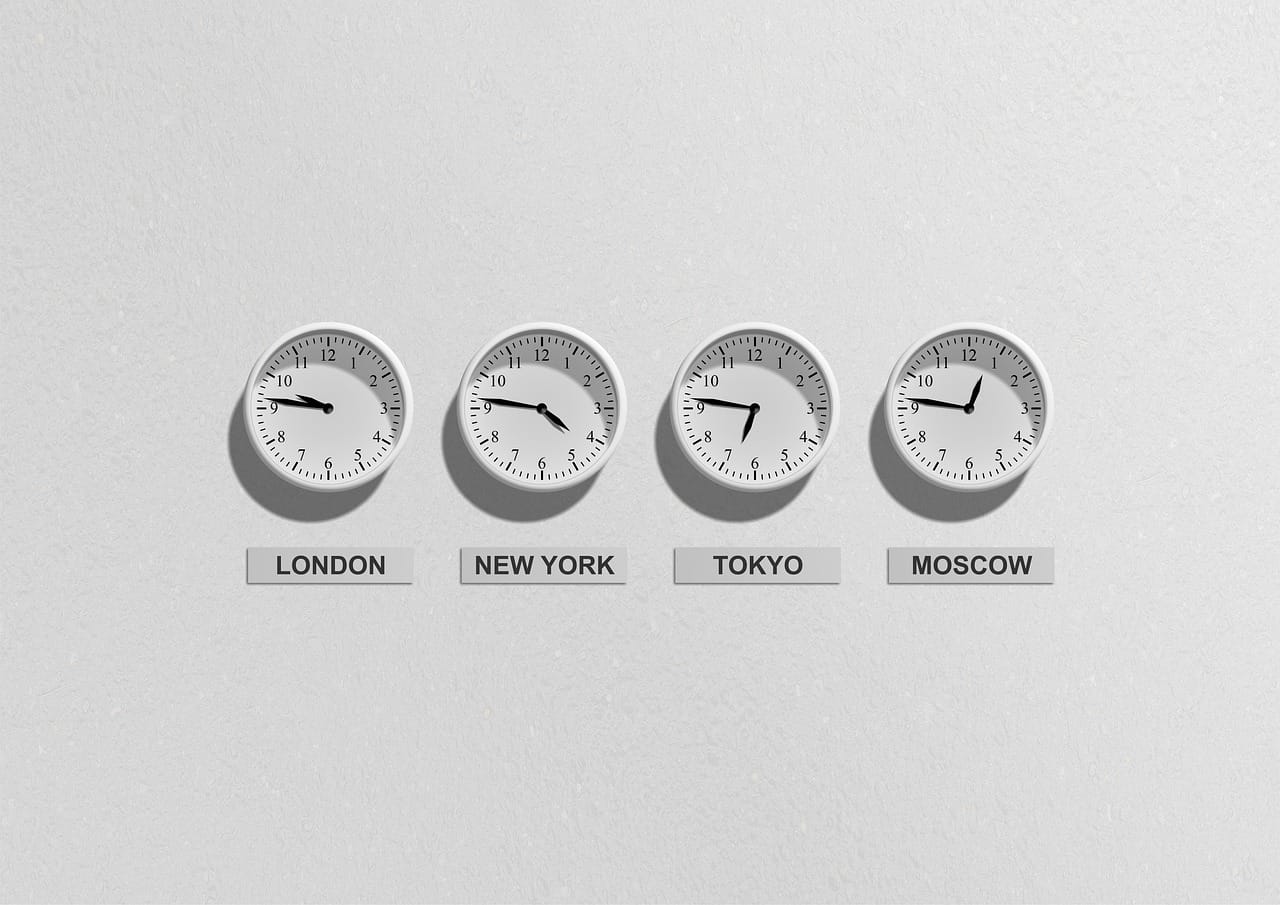
Date and time code appears straightforward until an application serves users in multiple countries, schedules meetings, stores events in UTC, or crosses daylight-saving transitions. A fixed offset such as -03:00 does not describe every historical and future rule for a region. The Python zoneinfo module solves this problem by connecting datetime objects to the IANA time zone database.
This guide explains aware datetimes, conversions with astimezone(), ambiguous times and fold, the tzdata package, key validation, storage strategies, recurring schedules, and common production mistakes. It complements our guides to Python lists, collections, descriptors, Python performance, and memory management.
What zoneinfo provides
zoneinfo has been part of the standard library since Python 3.9. It implements datetime.tzinfo with rules from the IANA Time Zone Database. Instead of relying only on fixed offsets, you work with keys such as America/Sao_Paulo, Europe/Lisbon, America/New_York, and Asia/Tokyo.
from datetime import datetime
from zoneinfo import ZoneInfo

now_sp = datetime.now(ZoneInfo("America/Sao_Paulo"))
print(now_sp)
print(now_sp.tzname())
The result is an aware datetime: it knows its zone and UTC offset, which makes conversions and calculations safer.
Naive and aware datetimes
A naive datetime has no tzinfo. It may represent local time, UTC, or something else, but the object does not say which interpretation is correct.
from datetime import datetime

naive = datetime(2026, 7, 29, 9, 0)
print(naive.tzinfo)  # None
An aware datetime carries time zone information:
from datetime import datetime
from zoneinfo import ZoneInfo

aware = datetime(
    2026, 7, 29, 9, 0,
    tzinfo=ZoneInfo("America/Sao_Paulo"),
)
print(aware.utcoffset())
Production systems should make the meaning of every timestamp explicit. Mixing naive and aware values can raise exceptions, break ordering, or execute jobs at the wrong moment.
Creating ZoneInfo objects
The main class accepts an IANA key:
from zoneinfo import ZoneInfo

sao_paulo = ZoneInfo("America/Sao_Paulo")
lisbon = ZoneInfo("Europe/Lisbon")
tokyo = ZoneInfo("Asia/Tokyo")
Keys are case-sensitive and must match an available zone. Avoid abbreviations such as EST, CST, or BST. They can be ambiguous and may not carry the complete transition history.
Converting with astimezone()
A reliable design stores an instant in UTC and converts it at the application boundary according to the user’s preferred zone.
from datetime import datetime, timezone
from zoneinfo import ZoneInfo

instant_utc = datetime(2026, 7, 29, 12, 0, tzinfo=timezone.utc)

sp = instant_utc.astimezone(ZoneInfo("America/Sao_Paulo"))
madrid = instant_utc.astimezone(ZoneInfo("Europe/Madrid"))
tokyo = instant_utc.astimezone(ZoneInfo("Asia/Tokyo"))

print(sp)
print(madrid)
print(tokyo)
All three objects represent the same instant. Only the local display, offset, and daylight-saving name change.
replace(tzinfo=…) does not convert
A common mistake is using replace(tzinfo=...) to convert an already meaningful datetime. That method attaches or replaces metadata; it does not adjust the clock fields to preserve the instant.
clock_value = datetime(2026, 7, 29, 9, 0)
localized = clock_value.replace(tzinfo=ZoneInfo("America/Sao_Paulo"))
This is correct only when you know the naive value already means 09:00 in São Paulo. To transform an aware instant from one zone to another, use astimezone().
Arithmetic and daylight saving time
The official zoneinfo documentation explains that ZoneInfo objects participate in datetime arithmetic and adjust their offset across daylight-saving transitions.
from datetime import datetime, timedelta
from zoneinfo import ZoneInfo

los_angeles = ZoneInfo("America/Los_Angeles")
before = datetime(2020, 10, 31, 12, tzinfo=los_angeles)
after = before + timedelta(days=1)

print(before, before.tzname())
print(after, after.tzname())
The civil time remains noon, but the offset changes. This distinction matters because “tomorrow at noon” is not always identical to “exactly 24 hours from now.”
Ambiguous times and fold
When clocks move backward, the same local clock time can occur twice. The fold attribute distinguishes the two occurrences. The default value 0 chooses the pre-transition offset, while 1 chooses the post-transition offset.
from datetime import datetime
from zoneinfo import ZoneInfo

zone = ZoneInfo("America/Los_Angeles")
first = datetime(2020, 11, 1, 1, 30, tzinfo=zone, fold=0)
second = first.replace(fold=1)

print(first, first.utcoffset())
print(second, second.utcoffset())
When converting from UTC with astimezone(), Python sets fold correctly. The difficult case appears when a user directly submits a local clock value during an ambiguous interval.
Nonexistent local times
During the opposite transition, clocks jump forward and some local times never occur. A region may move directly from 01:59 to 03:00. Creating a datetime for 02:30 does not automatically guarantee validation.
Critical scheduling systems should validate local values with a round trip: attach the zone, convert to UTC, convert back, and compare the local components. Another option is to define an explicit policy that moves an invalid event to the next valid time.
UTC as the internal representation
A robust architecture usually stores instants in UTC and saves the zone key separately when local intent also matters.
event = {
    "starts_at_utc": "2026-07-29T12:00:00Z",
    "timezone": "America/Sao_Paulo",
}
Saving only “09:00” loses the instant. Saving only UTC may lose calendar intent. A recurring meeting may need to remain at 09:00 local even when the offset changes. The model should distinguish one absolute instant from a recurring civil-time rule.
ISO 8601 serialization
datetime.isoformat() includes the current offset, but it does not necessarily preserve the IANA key.
text = now_sp.isoformat()
print(text)
The offset -03:00 alone does not encode all rules for America/Sao_Paulo. Store the key as a separate field whenever future conversions depend on the original zone.
Where time zone data comes from
The module does not embed the entire IANA database directly in Python code. It first searches the system directories listed in TZPATH. If no matching data exists, it tries the first-party tzdata package.
Many Unix systems already provide the database. Windows often does not expose an IANA database in the same way, so cross-platform projects should declare:
python -m pip install tzdataMaking tzdata an explicit dependency reduces differences between development, CI, containers, and production.
Handling ZoneInfoNotFoundError
An invalid key or missing database raises ZoneInfoNotFoundError, which is a subclass of KeyError.
from zoneinfo import ZoneInfo, ZoneInfoNotFoundError

try:
    zone = ZoneInfo("America/Unknown_City")
except ZoneInfoNotFoundError:
    print("Time zone is not available")
Do not accept arbitrary user input without validation. Prefer an application-controlled list of supported zones and distinguish bad user input from deployment configuration failures.
Listing available zones
available_timezones() returns the canonical keys found in the active data sources.
from zoneinfo import available_timezones

zones = available_timezones()
print("America/Sao_Paulo" in zones)
The function may open many files and recalculates the set on every call. Do not execute it for every request. Also remember that IANA keys are technical identifiers, not user-friendly labels. Interfaces should map them to localized city and region names.
ZoneInfo caching
The primary constructor caches objects. Repeated calls with the same key normally return the same instance:
a = ZoneInfo("Europe/Paris")
b = ZoneInfo("Europe/Paris")
print(a is b)  # True
This reduces overhead and stabilizes object identity. ZoneInfo.no_cache() and ZoneInfo.clear_cache() exist, but they can change datetime semantics in surprising ways. Reserve them for narrowly controlled tests or specialized infrastructure.
Testing time zone code
Test values near transitions, not only ordinary dates. Cover UTC-to-local conversion, local-to-UTC conversion, ambiguous times, nonexistent times, invalid keys, and environments without zone data.
def to_user_zone(instant_utc, key):
    if instant_utc.tzinfo is None:
        raise ValueError("The instant must be aware")
    return instant_utc.astimezone(ZoneInfo(key))
Use fixed instants in tests. Direct dependence on datetime.now() makes failures time-dependent and difficult to reproduce.
Recurring schedules
Two rules that sound similar can be different: execute every 24 exact hours, or execute every day at 09:00 in the user’s zone. Daylight-saving transitions can separate those results by an hour.
For civil recurrence, store the local date, local time, and IANA key, then compute each occurrence using current rules. For absolute intervals, calculate in UTC. Make the chosen interpretation clear in field names, APIs, and documentation.
APIs and databases
When an API accepts a datetime, require an offset or a separate zone key. Reject ambiguous bare values. In databases, use types that preserve the instant and normalize cross-user comparisons to UTC. Convert only for presentation.
Applications should also control IANA database updates. Governments can change rules, and a new tzdata release may alter future schedules. Update dependencies, rerun transition tests, and record versions in regulated workflows.
Common mistakes
- Using ambiguous abbreviations instead of IANA keys.
- Confusing
replace(tzinfo=...)with conversion. - Comparing naive and aware datetimes.
- Storing only an offset and losing the original zone.
- Adding 24 hours when the rule means “same local time tomorrow.”
- Ignoring
foldduring repeated times. - Assuming every host has IANA data.
- Calling
available_timezones()on every request.
Best practices
- Use UTC for internal instants and IANA keys for display and recurrence.
- Declare
tzdatafor cross-platform applications. - Convert with
astimezone(). - Validate allowed zone keys.
- Test transition boundaries and ambiguous times.
- Preserve local intent when the product requires it.
- Update time zone data regularly.
- Review the official datetime documentation.
Conclusion
The Python zoneinfo module represents real-world time zones without requiring an external library for the core logic. It connects IANA rules to datetime, applies historical transitions, converts instants safely, and supports repeated local times through fold.
The central challenge is modeling intent. Unique instants should be normalized to UTC, while appointments tied to a local clock should preserve their IANA key. With validation, tzdata, transition-focused tests, and correct use of astimezone(), applications avoid shifted meetings, misfired jobs, and timestamps that nobody can interpret.