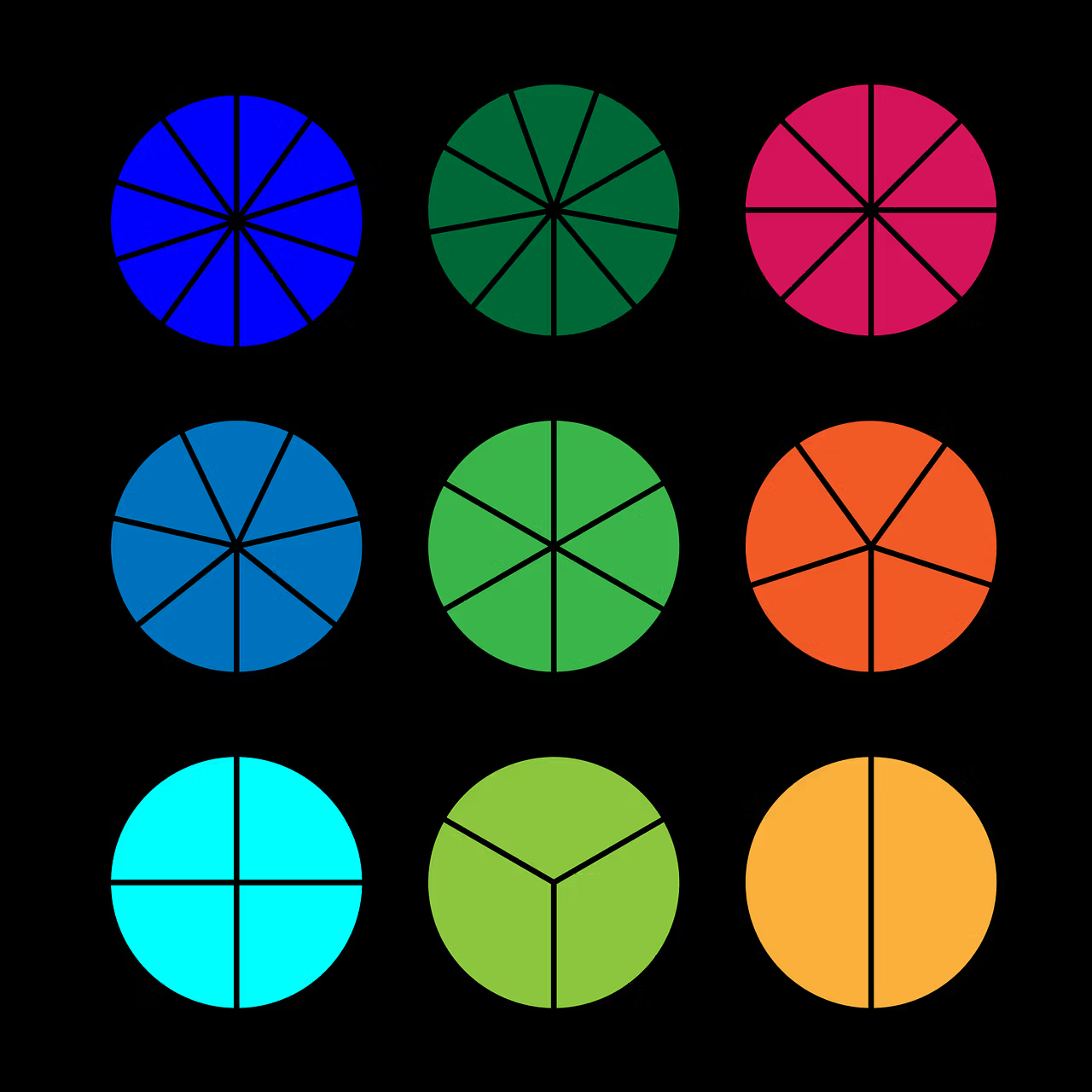
Fractions appear in recipes, proportions, scales, music, probability, unit conversion, and mathematical algorithms. Using float for 1/3 or 2/7 produces approximations, while Decimal does not keep repeating rational values exact. The Python fractions module provides the Fraction class, which stores an integer numerator and denominator and preserves exact rational arithmetic.
This guide covers construction from integers, strings, Decimal, and floats, automatic reduction, limit_denominator(), formatting, validation, and the choice between Fraction, Decimal, and float. It complements our guides about Python floats, Decimal, integers, data types, and f-string formatting.
What a rational number is
A rational number can be written as a ratio of two integers with a nonzero denominator. Examples include 1/2, -7/3, 5, and 0.125. The Fraction class preserves that structure:
from fractions import Fraction

half = Fraction(1, 2)
third = Fraction(1, 3)

print(half)
print(third)
Instances are immutable and hashable, so they can be dictionary keys and set members.
Automatic normalization
The constructor reduces the ratio to lowest terms and keeps the denominator positive.
from fractions import Fraction

print(Fraction(16, -10))  # -8/5
print(Fraction(20, 30))   # 2/3
The module uses the greatest common divisor during normalization. Application code does not need to simplify every result manually.
Constructing from strings
Strings preserve textual intent:
from fractions import Fraction

print(Fraction("3/7"))
print(Fraction(" -3 / 7 "))
print(Fraction("0.125"))
print(Fraction("7e-6"))
Python 3.12 allows spaces around the slash. Finite decimal strings become exact ratios, such as 0.125 becoming 1/8.
Construction from float
A float is converted to its exact binary value, not necessarily to the simple decimal fraction you expected.
from fractions import Fraction

print(Fraction(1.1))
# 2476979795053773/2251799813685248
The reason is described in the official floating-point tutorial: 1.1 has no finite binary representation. Use Fraction("1.1") or Fraction(11, 10) for exactly eleven tenths.
Construction from Decimal
A finite Decimal converts exactly:
from decimal import Decimal
from fractions import Fraction

value = Fraction(Decimal("1.1"))
print(value)  # 11/10
This conversion is useful when input has already been validated as a decimal value but an algorithm needs an exact ratio.
from_number() in Python 3.14
Python 3.14 adds Fraction.from_number(). It accepts integers, rational values, floats, Decimal, and objects implementing as_integer_ratio(), but not strings.
from fractions import Fraction

print(Fraction.from_number(5))
print(Fraction.from_number(2.25))
Float conversion still preserves the exact binary value. The method makes the numeric-input contract explicit.
Exact arithmetic
from fractions import Fraction

a = Fraction(1, 3)
b = Fraction(1, 6)

print(a + b)  # 1/2
print(a - b)  # 1/6
print(a * b)  # 1/18
print(a / b)  # 2
Results stay normalized. Integer powers work as well, including negative exponents for nonzero bases.
numerator and denominator
Read-only attributes expose the reduced components:
value = Fraction(42, 56)
print(value.numerator)    # 3
print(value.denominator)  # 4
The denominator is guaranteed to be positive, with the sign stored in the numerator.
Recovering a readable ratio from a float
limit_denominator() finds the nearest fraction whose denominator is no larger than a supplied limit.
from fractions import Fraction

approximation = Fraction(1.1).limit_denominator()
print(approximation)  # 11/10
The official fractions documentation also demonstrates the well-known approximation 355/113 for pi with a maximum denominator of 1000.
pi_approx = Fraction("3.141592653589793").limit_denominator(1000)
print(pi_approx)  # 355/113
Choosing max_denominator
The limit should reflect the domain. A cooking application may need denominators no larger than 16, while scientific approximation may require thousands.
value = Fraction("0.3332")
print(value.limit_denominator(10))
print(value.limit_denominator(1000))
A larger limit improves closeness but may create ratios that are difficult to interpret. Define an acceptable error and test it.
Checking for integer values
Since Python 3.12, is_integer() reports whether the reduced denominator is one.
print(Fraction(6, 3).is_integer())  # True
print(Fraction(7, 3).is_integer())  # False
int() truncates toward zero, so it should not be used as an integer test.
floor, ceil, and round
Fraction integrates with standard rounding functions:
import math
from fractions import Fraction

value = Fraction(7, 3)
print(math.floor(value))
print(math.ceil(value))
print(round(value, 2))
round() uses ties-to-even. With ndigits, the result remains a Fraction.
Formatting with f-strings
Modern Python versions expanded formatting. Since 3.12, float-style presentation types such as f, e, g, and percentages are supported.
value = Fraction(1, 7)
print(f"{value:.6f}")
print(f"{value:.2%}")
Python 3.13 added alignment, sign, width, and grouping for formatting without a presentation type.
print(f"{Fraction(103993, 33102):_}")
print(f"{Fraction(3, 1):#}")
The # flag forces an explicit denominator even when the fraction is an integer.
Comparison and sorting
Fractions compare with integers, floats, and Decimal values, although float comparisons reflect binary approximation.
values = [Fraction(2, 3), Fraction(1, 2), Fraction(3, 4)]
print(sorted(values))
Normalize types first when exact domain rules matter.
Recipes and proportions
base_amount = Fraction(3, 4)
scale = Fraction(5, 2)
amount = base_amount * scale
print(amount)  # 15/8
For display, split the whole and fractional parts:
whole = amount.numerator // amount.denominator
remainder = amount - whole
print(whole, remainder)
Exact probabilities
Fractions work well for small sample spaces:
favorable = 6
possible = 36
probability = Fraction(favorable, possible)
print(probability)  # 1/6
Large statistical models can create enormous integers. For numerical work at scale, float and vectorized libraries are often more appropriate.
Unit conversions
Rational conversion factors avoid accumulated rounding:
inches_per_foot = Fraction(12, 1)
feet = Fraction(5, 2)
inches = feet * inches_per_foot
print(inches)  # 30
Exact numbers do not protect against unit mistakes, so document and validate units separately.
Numerator and denominator growth
Repeated operations can create very large integers. Normalization removes common factors but does not cap magnitude.
value = Fraction(1, 1)
for n in range(2, 50):
    value += Fraction(1, n)
print(len(str(value.numerator)))
This growth can increase CPU and memory costs. Approximate algorithms may apply limit_denominator() at deliberate boundaries or use a different numeric type.
Fraction versus Decimal
Use Fraction when the value is naturally a ratio that must remain exact, such as 1/3, scales, or combinatorial probabilities. Use Decimal when the domain works with decimal places, money, and regulated rounding.
Decimal stores 0.1 exactly but must round 1/3 according to a context. Fraction stores 1/3 exactly but reduces 0.10 to 1/10 and does not preserve significant trailing zeros.
Fraction versus float
Float is much faster and integrates with NumPy, plotting, and scientific libraries. Fraction is designed for moderate-volume exact rational work.
Do not convert to float in the middle of an exact calculation and later expect to recover the original ratio. Keep conversion at integration boundaries and document tolerances.
Serialization
JSON has no native Fraction type. An explicit representation is unambiguous:
record = {
    "numerator": value.numerator,
    "denominator": value.denominator,
}
A string such as "3/4" can also work when the API contract defines it. Avoid sending only an approximate float when exactness must survive.
Input validation
Catch ValueError for malformed strings and ZeroDivisionError for a zero denominator.
def parse_fraction(text: str) -> Fraction:
    try:
        return Fraction(text)
    except (ValueError, ZeroDivisionError) as error:
        raise ValueError("Invalid fraction") from error
Impose input-size limits for untrusted data. Integers containing millions of digits can consume excessive resources.
Testing rational calculations
assert Fraction(1, 3) + Fraction(1, 6) == Fraction(1, 2)
assert Fraction("0.125") == Fraction(1, 8)
assert Fraction(1.1).limit_denominator() == Fraction(11, 10)
Also test signs, zero denominators, parsing, formatting, and approximation limits.
Common mistakes
- Calling
Fraction(1.1)while expecting 11/10. - Allowing unlimited denominators from untrusted data.
- Using Fraction for money and losing decimal scale.
- Converting to float too early.
- Treating
int(fraction)as rounding. - Choosing a denominator limit without measuring error.
- Serializing only a decimal approximation.
- Ignoring integer growth.
Best practices
- Construct exact values from integers or strings.
- Prefer Decimal when decimal scale is part of the contract.
- Set denominator limits according to the domain.
- Keep Fraction inside the exact calculation core.
- Validate input and size.
- Serialize numerator and denominator explicitly.
- Benchmark large loops.
- Test approximations and negative values.
Conclusion
The Python fractions module provides exact rational arithmetic through an API that integrates with the language’s numeric model. Fraction automatically normalizes values, accepts several input forms, supports controlled approximations, and offers modern formatting.
The right type depends on the domain. Fraction preserves ratios such as 1/3, Decimal preserves decimal values and monetary rules, and float prioritizes performance and numerical-library compatibility. Choosing the type that matches the problem avoids unnecessary approximation and produces results that are clearer, testable, and easy to explain.