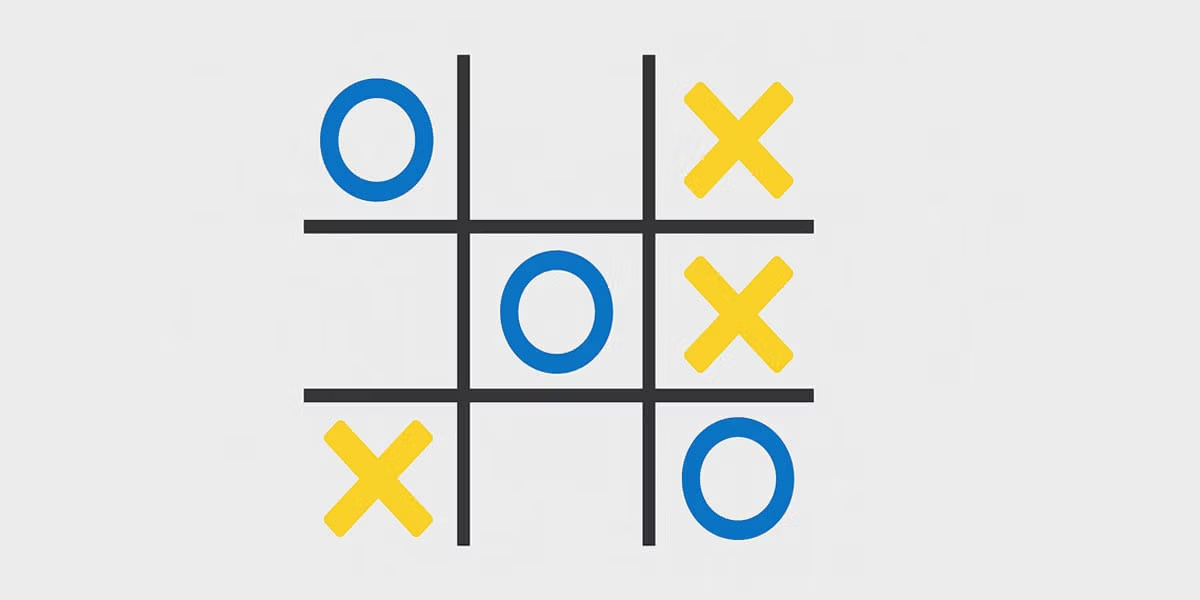
Creating a Tic-Tac-Toe game in Python is one of the best beginner programming projects. It helps you practice logic, loops, functions, lists, and user input in a fun and practical way.
If you are learning Python and want a project that feels like a real application, this is a great choice. By the end of this guide, you will understand how to build a fully playable Tic-Tac-Toe game directly in the terminal.
You will also improve important programming skills that apply to larger projects later.
If you are still learning the basics, check out this guide about Python for Beginners before starting.
Why Build a Tic-Tac-Toe Game in Python?
Tic-Tac-Toe is simple, but it teaches many core programming concepts.
When you build this project, you learn how to:
- Use variables and lists
- Create functions
- Work with loops
- Validate user input
- Check winning conditions
- Organize code logically
Many beginner developers start with calculators or guessing games. A Tic-Tac-Toe project feels more interactive and rewarding.
Tip: Small game projects are excellent for learning problem-solving and programming logic.
What You Need Before Starting
You only need a basic Python installation to build this game.
If Python is not installed yet, follow this tutorial about how to install Python.
You can use any code editor you prefer, including:
- VS Code
- PyCharm
- IDLE
- Sublime Text
If you are unsure which editor to use, this article about the best Python IDEs can help.
Understanding the Game Logic
Before writing code, you should understand how Tic-Tac-Toe works internally.
The game has:
- A 3×3 board
- Two players
- Turns that alternate
- A win condition
- A draw condition
The board can be stored using a Python list.
board = [" ", " ", " ",
         " ", " ", " ",
" ", " ", " "]Each position represents a square on the board.
You can learn more about Python lists in this guide about lists in Python.
Creating the Game Board
The first step is displaying the board in the terminal.
Create a function called display_board().
def display_board(board):
    print(board[0] + " | " + board[1] + " | " + board[2])
    print("--+---+--")
    print(board[3] + " | " + board[4] + " | " + board[5])
    print("--+---+--")
print(board[6] + " | " + board[7] + " | " + board[8])This function prints the game board in a readable format.
Now initialize the board and display it:
board = [" "] * 9
display_board(board)The output should look like this:
| |
--+---+--
| |
--+---+--
| |Handling Player Moves
Now players need a way to make moves.
Create a function that asks the player for a position.
def player_move(board, player):
position = int(input(f"Player {player}, choose a position (1-9): ")) - 1
if board[position] == " ":
board[position] = player
else:
print("That position is already taken.")This function:
- Gets user input
- Checks if the square is empty
- Places the player’s symbol
If you want to understand input handling better, read this tutorial about Python input.
Checking for a Winner
This is the most important part of the project.
You need to check whether a player completed a row, column, or diagonal.
Create a function called check_winner().
def check_winner(board, player):
winning_combinations = [
[0, 1, 2],
[3, 4, 5],
[6, 7, 8],
[0, 3, 6],
[1, 4, 7],
[2, 5, 8],
[0, 4, 8],
[2, 4, 6]
]
for combo in winning_combinations:
if all(board[i] == player for i in combo):
return True
return FalseThis function checks every winning combination.
The all() function returns True if every condition matches.
You can learn more about loops and conditions in this article about loops in Python.
Detecting a Draw
The game should also detect when the board is full.
Add this function:
def check_draw(board):
return " " not in boardIf there are no empty spaces left, the game ends in a draw.
This simple condition is efficient and easy to understand.
Building the Main Game Loop
Now combine everything into the main game logic.
board = [" "] * 9
current_player = "X"
while True:
display_board(board)
player_move(board, current_player)
if check_winner(board, current_player):
display_board(board)
print(f"Player {current_player} wins!")
break
if check_draw(board):
display_board(board)
print("It's a draw!")
break
current_player = "O" if current_player == "X" else "X"This loop:
- Displays the board
- Gets the player’s move
- Checks for a winner
- Checks for a draw
- Switches players
The game continues until someone wins or the board fills up.
Complete Tic-Tac-Toe Python Code
Here is the complete project combined into one script.
def display_board(board):
    print(board[0] + " | " + board[1] + " | " + board[2])
    print("--+---+--")
    print(board[3] + " | " + board[4] + " | " + board[5])
    print("--+---+--")
    print(board[6] + " | " + board[7] + " | " + board[8])
def player_move(board, player):
while True:
try:
position = int(input(f"Player {player}, choose a position (1-9): ")) - 1
if position < 0 or position > 8:
print("Choose a number between 1 and 9.")
elif board[position] != " ":
print("Position already taken.")
else:
board[position] = player
break
except ValueError:
print("Please enter a valid number.")
def check_winner(board, player):
    winning_combinations = [
        [0, 1, 2],
        [3, 4, 5],
        [6, 7, 8],
        [0, 3, 6],
        [1, 4, 7],
        [2, 5, 8],
        [0, 4, 8],
        [2, 4, 6]
    ]

    for combo in winning_combinations:
        if all(board[i] == player for i in combo):
            return True

    return False
def check_draw(board):
    return " " not in board
board = [" "] * 9
current_player = "X"

while True:
    display_board(board)
    player_move(board, current_player)

    if check_winner(board, current_player):
        display_board(board)
        print(f"Player {current_player} wins!")
        break

    if check_draw(board):
        display_board(board)
        print("It's a draw!")
        break

current_player = "O" if current_player == "X" else "X"Ways to Improve Your Tic-Tac-Toe Game
Once the basic version works, you can add more features.
Here are some ideas:
| Feature | Description |
|---|---|
| Score system | Track wins across multiple games |
| AI opponent | Play against the computer |
| Graphical interface | Create a visual version using Tkinter |
| Sound effects | Add simple game sounds |
| Online multiplayer | Play through the internet |
If you want to build graphical apps, check out this guide about Tkinter in Python.
You can also explore game development using the Pygame library.
Common Beginner Mistakes
Many beginners face similar problems when building their first game.
Here are the most common mistakes:
- Forgetting to validate user input
- Using incorrect board indexes
- Not checking win conditions properly
- Overwriting occupied positions
- Creating infinite loops accidentally
Debugging is part of programming. Errors help you improve.
If you struggle with bugs, this article about debugging Python in VS Code may help.
Important: Even experienced developers make mistakes regularly. The key is learning how to identify and fix them.
What You Learn From This Project
Building a Tic-Tac-Toe game in Python teaches much more than game development.
You practice:
- Logical thinking
- Problem-solving
- Code organization
- Function creation
- User interaction
- Testing and debugging
These skills apply to web development, automation, data analysis, and software engineering.
Projects like this also improve your confidence as a programmer.
According to the official Python documentation, hands-on practice is one of the fastest ways to learn programming effectively.
Conclusion
Building a Tic-Tac-Toe game in Python is one of the best beginner coding projects. It is simple enough for new programmers while still teaching essential development concepts.
You learned how to:
- Create and display a board
- Handle user input
- Check win conditions
- Detect draws
- Build a complete game loop
After finishing this project, you can move on to larger Python applications with much more confidence.
If you enjoyed this project, you may also like building a Snake game in Python or a Hangman game in Python.
Perguntas Frequentes (FAQ)
1. What is a Tic-Tac-Toe game in Python?
It is a simple programming project where two players play Tic-Tac-Toe using Python code.
2. Is Tic-Tac-Toe good for Python beginners?
Yes. It teaches loops, functions, logic, and user input in a practical way.
3. Do I need advanced Python knowledge?
No. Basic Python concepts are enough to start this project.
4. Can I build this game without libraries?
Yes. A simple terminal version only uses standard Python features.
5. How long does this project take?
Most beginners can finish it in one or two hours.
6. Can I add an AI opponent later?
Yes. You can create computer logic after finishing the basic version.
7. What Python concepts does this project teach?
Lists, functions, loops, conditions, input validation, and debugging.
8. Can I make a graphical version?
Yes. Tkinter and Pygame are popular options for graphical games.
9. Is this project useful for a portfolio?
Yes. Beginner projects help demonstrate practical coding skills.
10. What should I build after Tic-Tac-Toe?
Try Snake, Hangman, calculators, chatbots, or automation tools.