
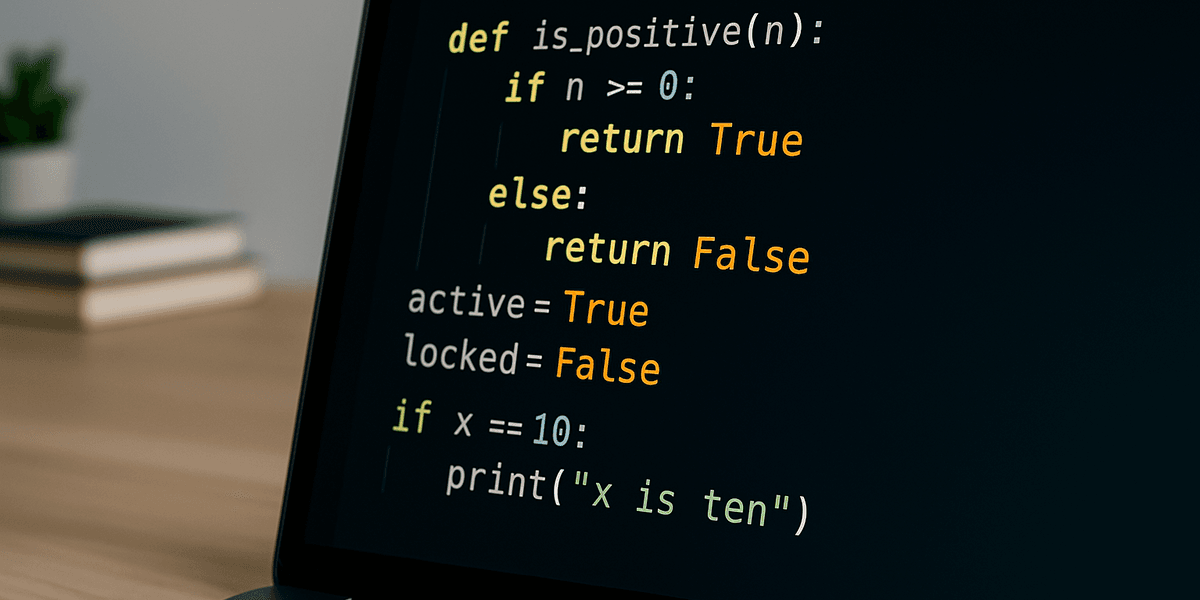
Python booleans represent two logical values: True and False. They are the foundation of decisions, loops, validation, filtering, and comparisons. Every if statement asks a boolean question, even when the condition does not visibly contain the words True or False.
This guide explains boolean values, comparison operators, and, or, not, truthy and falsy objects, identity, membership, short-circuit evaluation, and practical validation patterns.
For related foundations, review Python data types, the in operator, and if, elif, and else.
What Is a Boolean?
A boolean answers a yes-or-no question. In Python, the type is named bool:
is_active = True
is_admin = False

print(type(is_active))
print(is_active)
print(is_admin)
The capitalization matters. true and false are not Python keywords.
The official bool documentation describes the type. The truth value testing documentation defines which objects are considered true or false in conditions.
Comparisons Produce Booleans
age = 21

print(age == 21)  # True
print(age != 18)  # True
print(age > 30)   # False
print(age >= 21)  # True
print(age < 25)   # True
print(age <= 20)  # False
The comparison operators are:
==: equal values.!=: different values.>and<: greater or less than.>=and<=: inclusive comparisons.
Do not confuse =, which assigns a value, with ==, which compares values.
Use Booleans in if Statements
temperature = 28

if temperature >= 30:
    print("It is very hot.")
elif temperature >= 20:
    print("The temperature is comfortable.")
else:
    print("It is cold.")
Each condition is evaluated as True or False. Python executes the first matching branch.
The and Operator
and requires both conditions to be truthy:
age = 25
has_ticket = True

can_enter = age >= 18 and has_ticket
print(can_enter)| A | B | A and B |
|---|---|---|
| False | False | False |
| False | True | False |
| True | False | False |
| True | True | True |
The or Operator
or requires at least one truthy condition:
is_owner = False
is_moderator = True

can_delete_comment = is_owner or is_moderator
print(can_delete_comment)| A | B | A or B |
|---|---|---|
| False | False | False |
| False | True | True |
| True | False | True |
| True | True | True |
The not Operator
not reverses a truth value:
is_logged_in = False

if not is_logged_in:
    print("Please sign in.")
Use not when the negative condition is clearer than comparing explicitly with False.
Operator Precedence
Comparison operators are evaluated before not, then and, then or. Parentheses make complex logic easier to read:
age = 20
has_permission = False
is_admin = True

allowed = (age >= 18 and has_permission) or is_admin
print(allowed)
Do not rely on readers memorizing precedence when grouping changes the meaning.
Truthy and Falsy Values
Conditions accept values beyond literal booleans. Common falsy values include:
FalseNone- Numeric zero, such as
0and0.0 - Empty strings, lists, tuples, sets, and dictionaries
Most other objects are truthy.
username = ""
items = []
quantity = 0

if not username:
    print("Username is missing.")

if not items:
    print("The list is empty.")

if not quantity:
    print("Quantity is zero.")
A concise truth test is useful when every falsy value has the same meaning. Use explicit comparisons when zero, an empty string, and None must be handled differently.
Convert Values with bool()
print(bool(0))
print(bool(1))
print(bool(""))
print(bool("False"))
print(bool([]))
print(bool([0]))
The string "False" is truthy because it is not empty. bool() does not parse human language.
Parse Boolean User Input
Avoid bool(input(...)), because any non-empty response becomes True.
def parse_yes_no(text: str) -> bool:
    normalized = text.strip().lower()

    if normalized in {"yes", "y", "true", "1"}:
        return True

    if normalized in {"no", "n", "false", "0"}:
        return False

    raise ValueError("Enter yes or no")


try:
    answer = parse_yes_no(input("Continue? "))
except ValueError as error:
    print(error)
else:
    print(answer)
This example combines normalization, sets, membership, and explicit validation.
Membership Tests
roles = {"editor", "author"}
current_role = "editor"

can_publish = current_role in roles
print(can_publish)

is_guest = current_role not in {"admin", "editor", "author"}
print(is_guest)
Membership operations return booleans and are often clearer than several equality comparisons joined with or.
Equality vs Identity
== compares values. is compares object identity.
first = [1, 2]
second = [1, 2]

print(first == second)  # True
print(first is second)  # False
Use is None and is not None for None checks:
result = None

if result is None:
    print("No result was produced.")
Do not use is to compare strings or numbers. The == vs is guide explains identity and interning.
Chained Comparisons
Python supports readable range checks:
score = 82

if 0 <= score <= 100:
    print("Valid score")
This is equivalent to score >= 0 and score <= 100.
Short-Circuit Evaluation
Python stops evaluating as soon as the final result is known.
user = None

if user is not None and user.get("active"):
    print("Active user")
When user is not None is False, Python does not evaluate user.get(...). This prevents an error.
With or, evaluation stops after a truthy operand:
display_name = provided_name or "Guest"This fallback pattern is useful only when all falsy values should trigger the default.
and and or Return Operands
and and or do not always return literal booleans:
print("Python" and "Django")  # Django
print("" or "Default")        # Default
and returns the first falsy operand or the last operand. or returns the first truthy operand or the last operand. Wrap an expression in bool() when a strict True or False result is required.
Functions That Return Booleans
Boolean-returning functions make conditions readable:
def is_valid_age(age: int) -> bool:
    return 0 <= age <= 130


def can_access(age: int, active: bool) -> bool:
    return is_valid_age(age) and age >= 18 and active


print(can_access(25, True))
The return statement guide explains the difference between returning and printing a value.
Use all() and any()
all() returns True when every item is truthy. any() returns True when at least one item is truthy.
checks = [
    len("Maya") >= 2,
    25 >= 18,
    True,
]

print(all(checks))
print(any(checks))
They work well for collections of validation results.
password = "Python123"

requirements = [
    len(password) >= 8,
    any(character.isupper() for character in password),
    any(character.isdigit() for character in password),
]

if all(requirements):
    print("Password meets the basic rules.")
Filter Collections with Boolean Conditions
numbers = [3, 10, 15, 22, 31]

even_numbers = [
    number
    for number in numbers
    if number % 2 == 0
]

print(even_numbers)
The condition after if is evaluated for every item. See the list comprehensions guide.
Booleans and Loops
attempts_left = 3
authenticated = False

while attempts_left > 0 and not authenticated:
    password = input("Password: ")
    authenticated = password == "demo-password"
    attempts_left -= 1

if authenticated:
    print("Access granted")
else:
    print("Access denied")
The Python loops guide covers conditions and safe stopping rules.
Custom Truth Values
Classes can define truth behavior with __bool__() or __len__():
class ShoppingCart:
    def __init__(self) -> None:
        self.items = []

    def __bool__(self) -> bool:
        return bool(self.items)


cart = ShoppingCart()

if not cart:
    print("The cart is empty.")
Use custom truth behavior only when it is intuitive and clearly documented.
Practical Project: Access Decision
def can_view_report(user: dict) -> bool:
    valid_roles = {"admin", "analyst"}

    return (
        user.get("active", False)
        and user.get("role") in valid_roles
        and not user.get("suspended", False)
    )


users = [
    {"name": "Alex", "active": True, "role": "analyst"},
    {"name": "Sam", "active": False, "role": "admin"},
    {"name": "Maya", "active": True, "role": "viewer"},
]

for user in users:
    allowed = can_view_report(user)
    print(f"{user['name']}: {allowed}")
Separating the decision into a function makes the rule testable and prevents complex conditions from being duplicated throughout an application.
Common Mistakes
- Writing
trueorfalseinstead of True and False. - Using
=when a comparison requires==. - Using
isfor value comparisons. - Assuming
bool("False")is False. - Writing
if value == Truewhenif valueis clearer. - Treating zero, None, and an empty string as equivalent when they have different meanings.
- Combining many conditions without parentheses or a helper function.
- Forgetting that
andandormay return operands.
Frequently Asked Questions
Is bool a number type?
In Python, bool is a subclass of int, and True and False behave like 1 and 0 in some numeric contexts. Do not rely on that relationship when explicit logic is clearer.
Why is an empty list false?
Python defines empty collections as falsy so conditions can test whether they contain items without comparing their lengths to zero.
Should I compare a boolean with True?
Usually no. Prefer if is_active:. Explicit comparisons can be useful when distinguishing the literal boolean True from other truthy values.
What is short-circuiting?
It means Python stops evaluating a logical expression once the final result is already determined.
Conclusion
Python booleans power decisions and repetition. Comparisons produce True or False, logical operators combine conditions, and truth-value testing lets objects participate directly in control flow.
Write conditions that express a clear question. Use explicit None checks, helper functions for complex rules, and careful input parsing. Readability matters because boolean bugs often come from logic that is technically valid but difficult to understand.







